
Prefer talking to typing? You can interact with the AI Studio Agent using voice for faster, hands-free workflows — perfect for when ideas move quicker than your keyboard.
What You Can Do
- Build or update screens
- Ask questions about performance
- Trigger insight-to-action updates
How It Works
- Click the microphone icon in the AI Studio Agent
- A new window will open with the voice command window
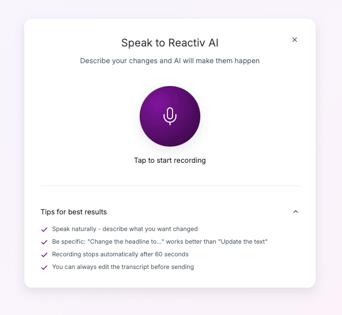
- Tap the mic icon
- Describe your prompt
- Click send to chat
Think of it as your direct line to the Agent — just speak, and it gets to work.